

Automation
Centrally Manage Print Data
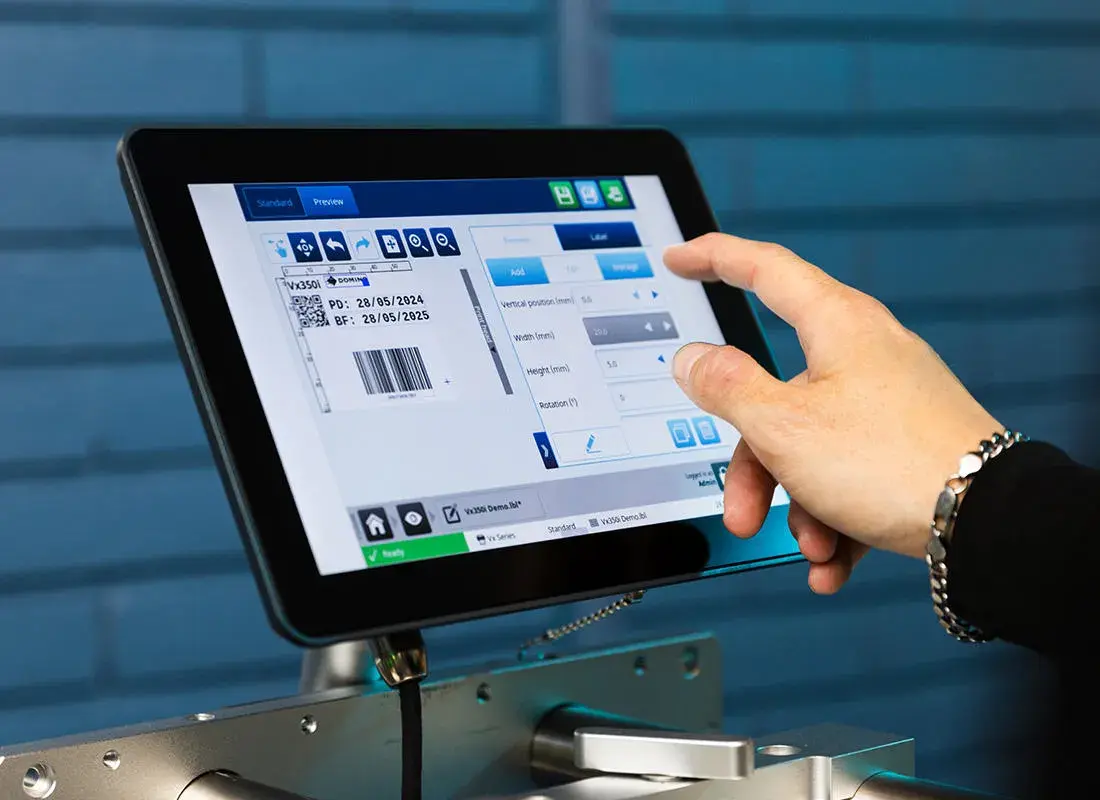
Automated marking processes reduce manual input and facilitate secure job changes. With Domino Automation, you can centrally manage print layouts and variable data and automatically make them available to your Domino marking systems.
Discuss an automation solutionWhat can be automated?
From print layout to job changeover
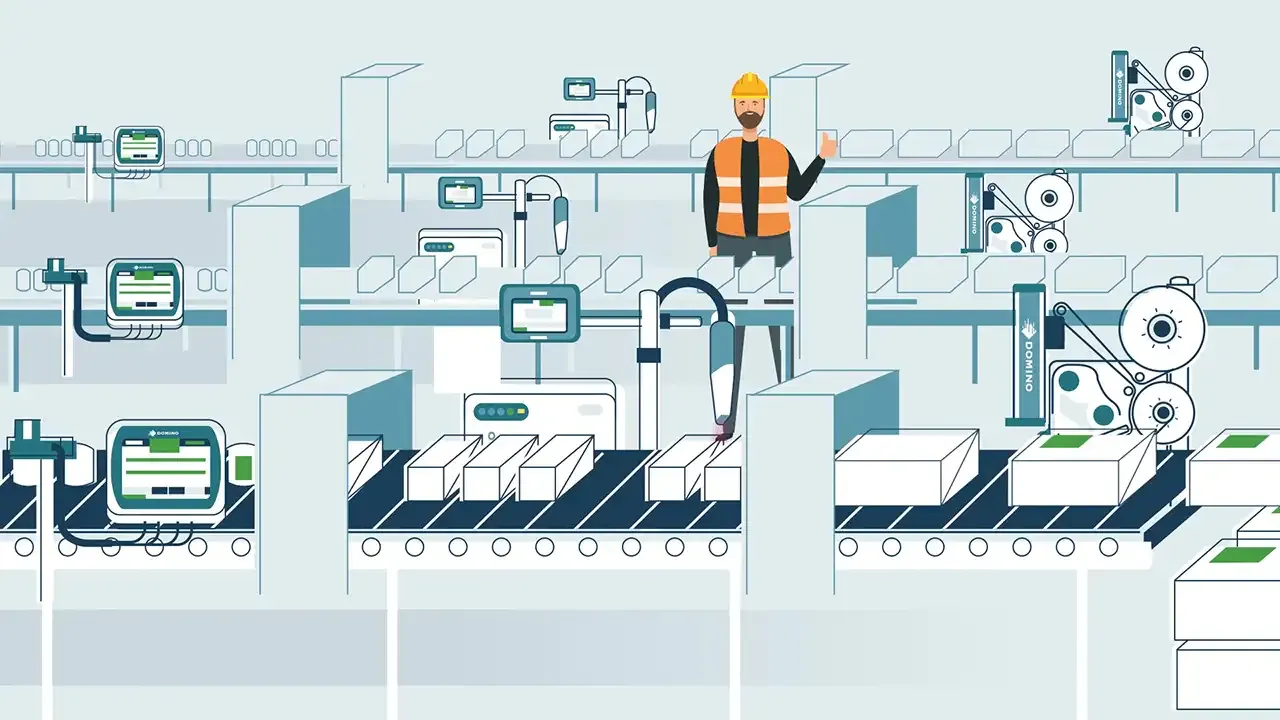
In manual coding processes, operators must select print layouts, enter variable data, and launch jobs on the appropriate systems. Domino Automation makes it possible to manage these steps centrally and automate them based on the intended workflow.
- Create and Manage Print Layouts Centrally
- Import variable data from defined sources
- Transferring Print Jobs to Labeling Systems
- Automate Order Changes
- Manage Users and Permissions
- Track Changes and Versions
- Integrating Printers and Vision Systems into Workflows
Domino Automation and Domino Designer
Domino Automation and Domino Designer support the centralized management of print layouts and the automation of labeling processes.
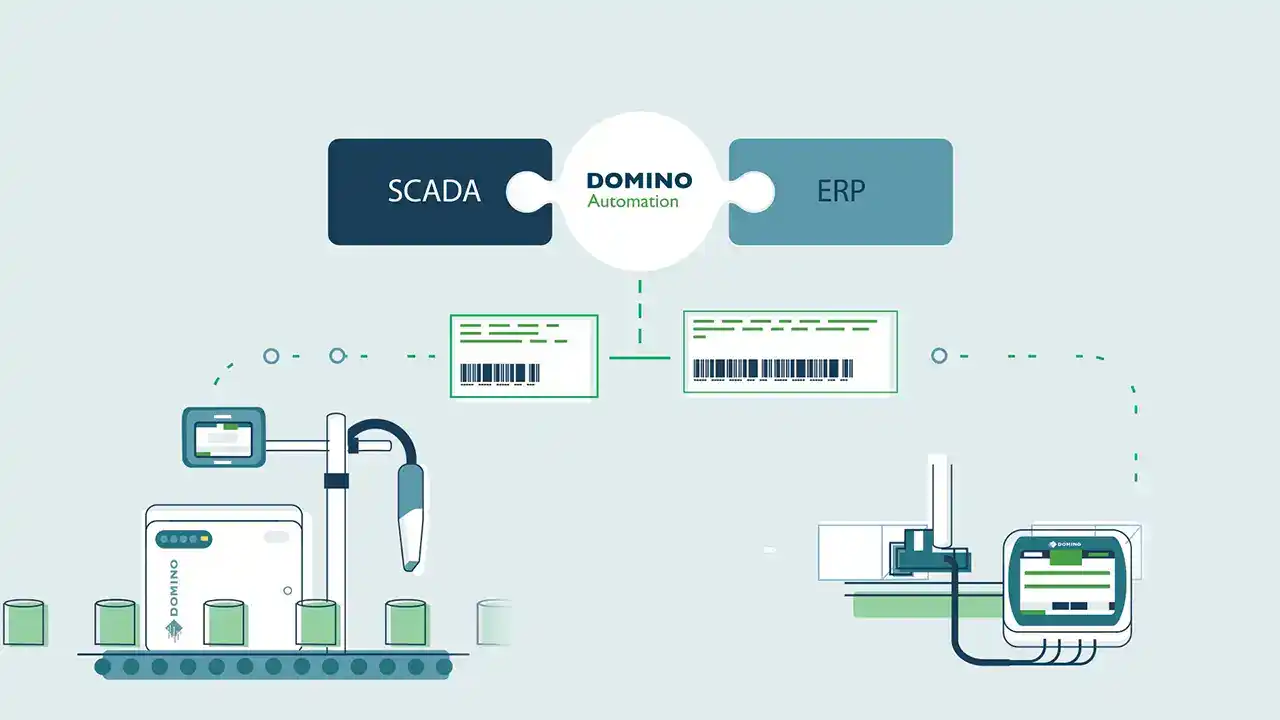
With Domino Designer, you can create and manage print layouts through a unified user interface. Domino Automation links layouts and variable data to labeling systems, data sources, and project-specific workflows.
The software components and functions required for your application will be determined during the project planning phase.
Domino Designer
Design Print Layouts Centrally
With Domino Designer, you can create and manage print layouts for Domino labeling systems. Fixed text, variable data, barcodes, 2D codes, graphics, and time and date fields can be added to the layout.
Learn MoreDomino Automation
Automated Provision of Print Data
Domino Automation integrates print layouts, data sources, and labeling systems. Depending on the configured workflow, jobs and variable data are transferred to the designated systems.
Learn More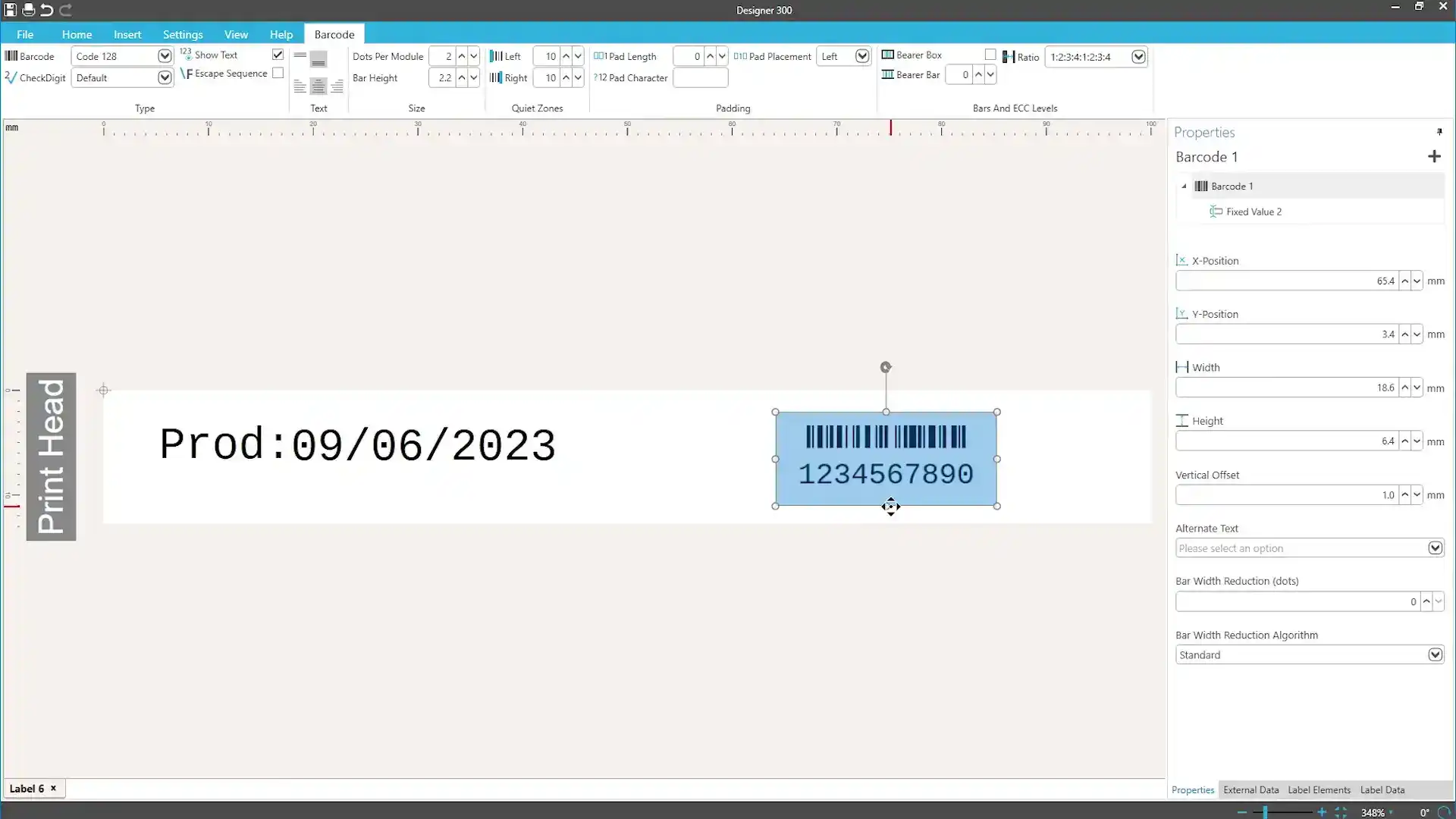
Domino Designer
Central Layout Design
Domino Designer provides a centralized environment for creating and managing print layouts. Content is prepared on a PC and made available to the designated Domino labeling systems.
Depending on the layout, the following elements—among others—can be included:
- fixed texts
- variable data
- Barcodes and 2D codes
- Graphics and Logos
- Time and Date Fields
- Different orientations and scales
Domino Automation
Automated Deployment
Domino Automation provides print layouts and variable data for the intended labeling systems. To do this, the software can be connected to files, databases, or higher-level production systems.
Depending on the project configuration, the following are among the possibilities:
- Automatic order and data transmission
- Integration of External Data Sources
- browser-based user interfaces
- User and Permissions Management
- Version Control and Audit Trail
- Integration of Printers and Vision Systems
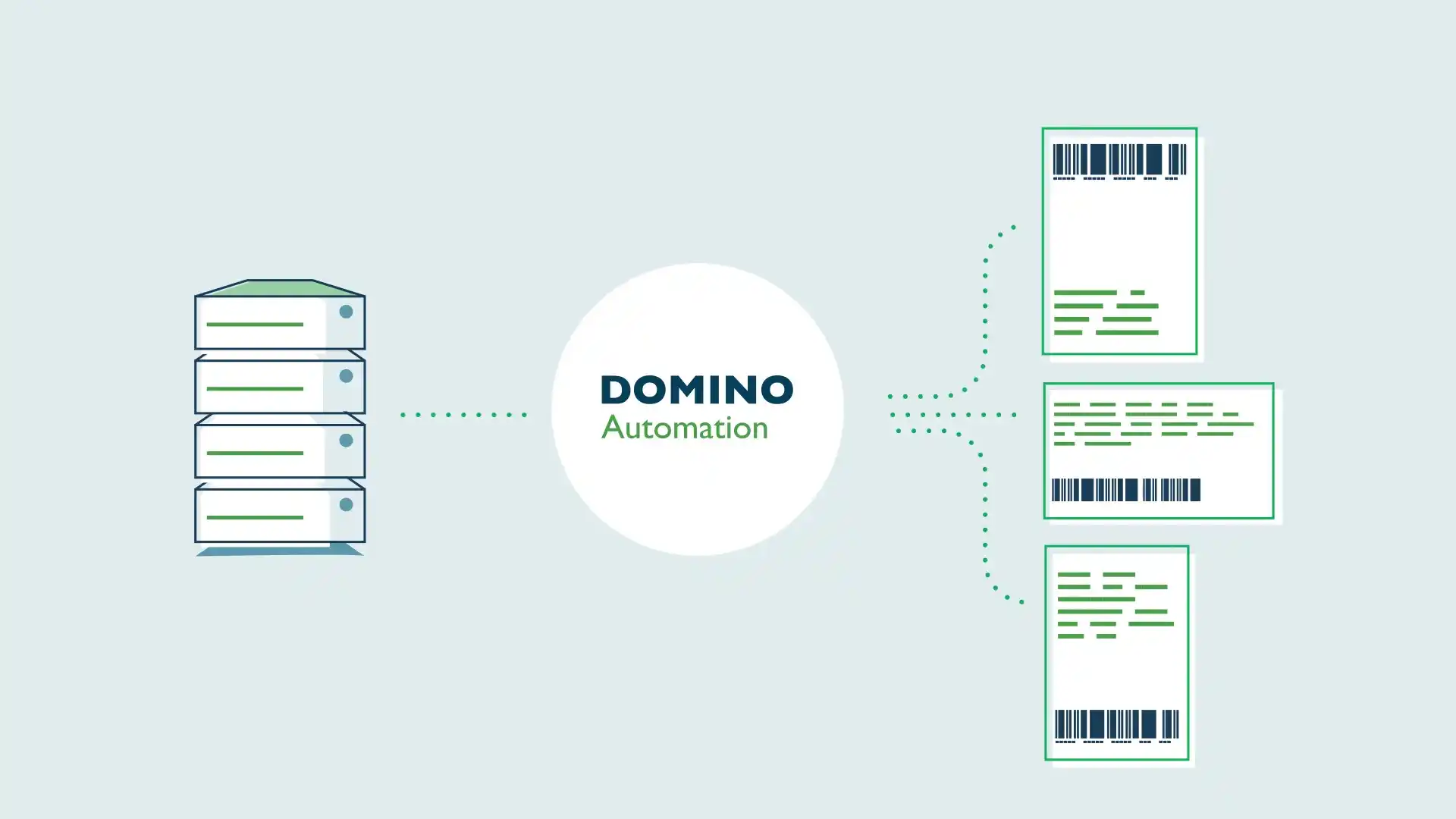
Connecting Systems and Data
The choice of data source and workflow depends on the production process and the existing system infrastructure.
Import Data
Import order and labeling data from the specified source.
Fill the layout
Assign variable data to the corresponding fields in the print layout.
Prepare the order
Transfer the layout and data to the connected systems.
Report Status
Save or return status and process information.
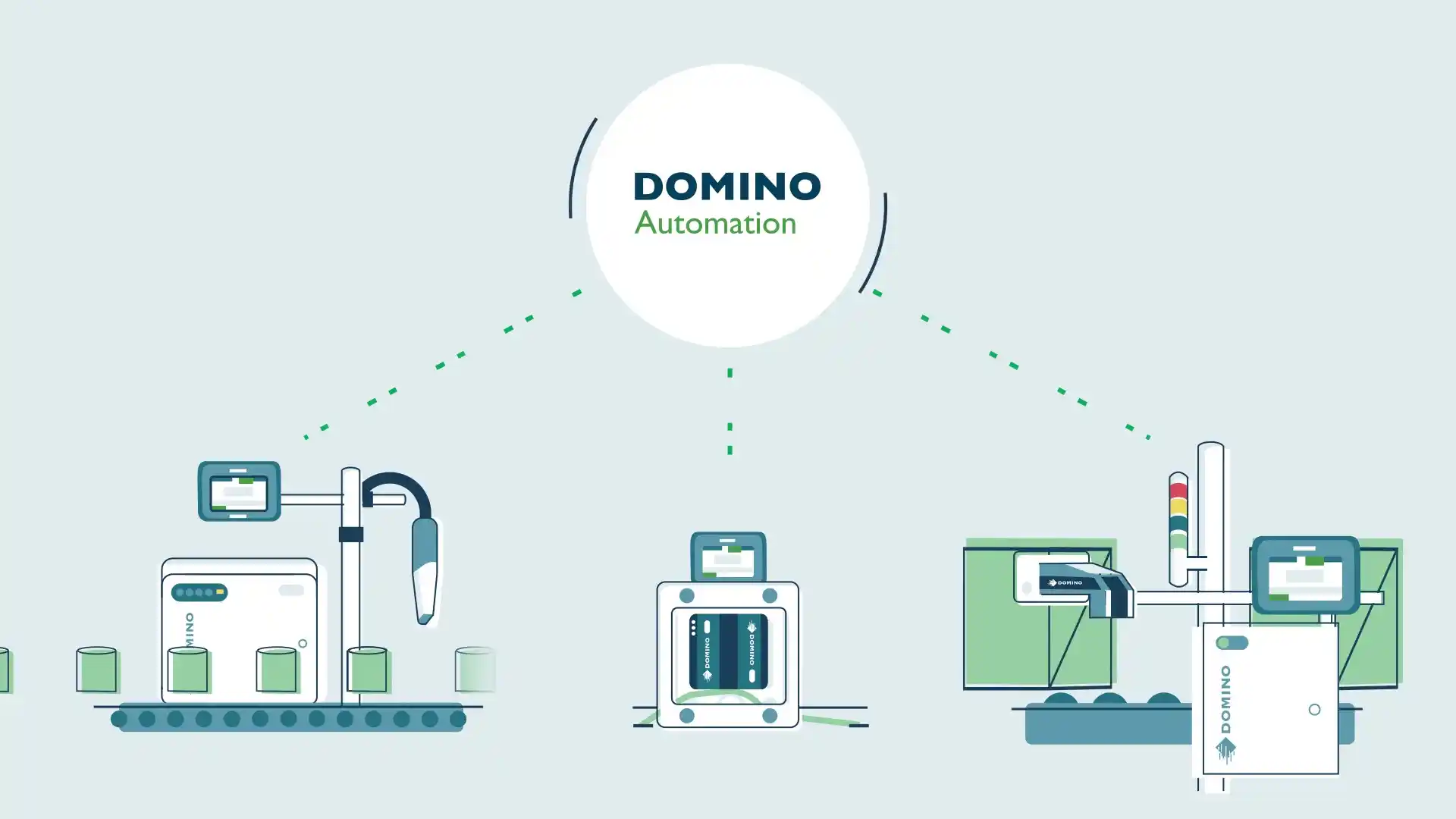
Project-Based Integration
Compatible with the existing system environment
Depending on the task at hand, Domino Automation can be connected to various data sources and higher-level systems. Together, we will determine:
- Print Layouts
- Variable data and data sources
- Labeling Systems
- User Interfaces
- Users and Permissions
- Interfaces
- Feedback and Logging
- future expansions


Contact Us